
# Self-Check: Login Implementation
# Framework
| Overview | Description |
|---|---|
| Goal | Independently verify whether your login clients have been successfully updated to the current version. |
| Prerequisite | You know the pages where a DocCheck Login is integrated. If not, use Legacy CReaM and/or DocCheck Access to look up your login clients and their home URLs. |
| Testing Procedure | The actual check takes place on your own website. Open the respective home URL for each login client in the browser and perform the following steps. |
Note
The following checks are not performed in Legacy CReaM or DocCheck Access, but on the website where the respective DocCheck Login is integrated.
# 1. Check Starting Point (Button vs. iFrame)
Identify the Home URL (the page where the login is integrated) and open it in the browser. You can find the home URL in the login client settings in DocCheck CReaM or DocCheck Access. Check the visual integration of the login on that page:
| Status | How to identify it | Example |
|---|---|---|
| Outdated: iFrame | The login area is embedded directly on the page. Attention: This implementation will no longer work after June 30, 2026. | 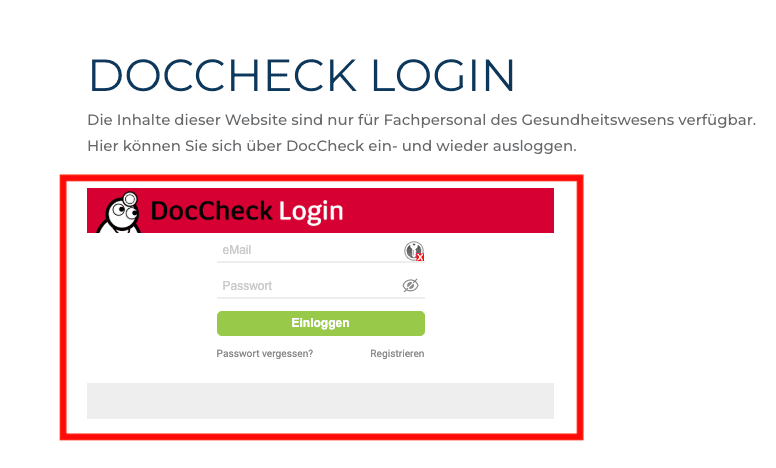 |
| Correct: Button | The login is initiated exclusively via a button. | 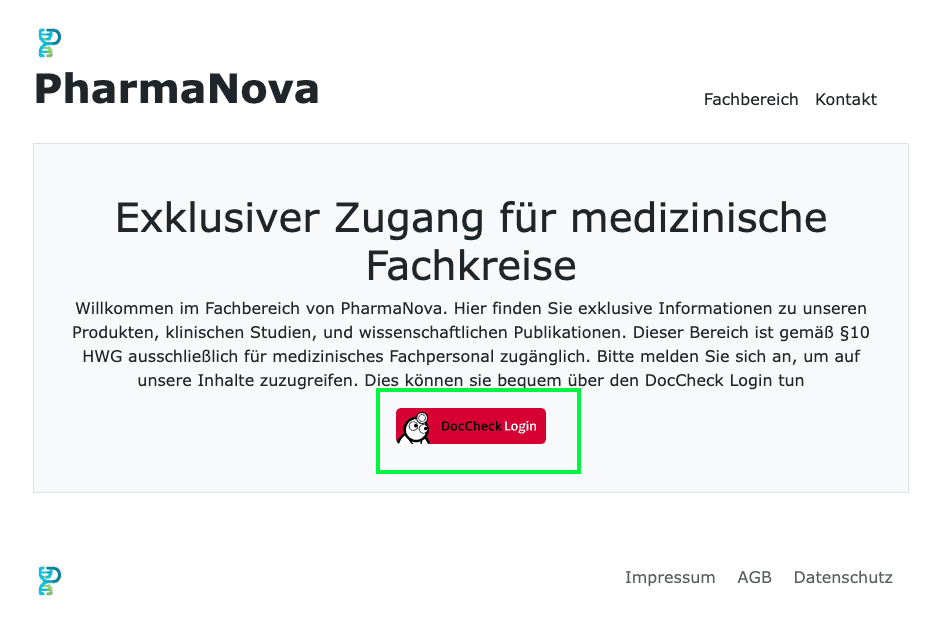 |
# 2. Detailed Check of the Login Page
If it is integrated as a button, you must ensure that the current version is used. Click on the login button. This should open a fullscreen login window. Check the address bar and the layout of the page.
| Status | How to identify it | Example |
|---|---|---|
| Outdated |
Attention: This version will no longer work after June 30, 2026. | 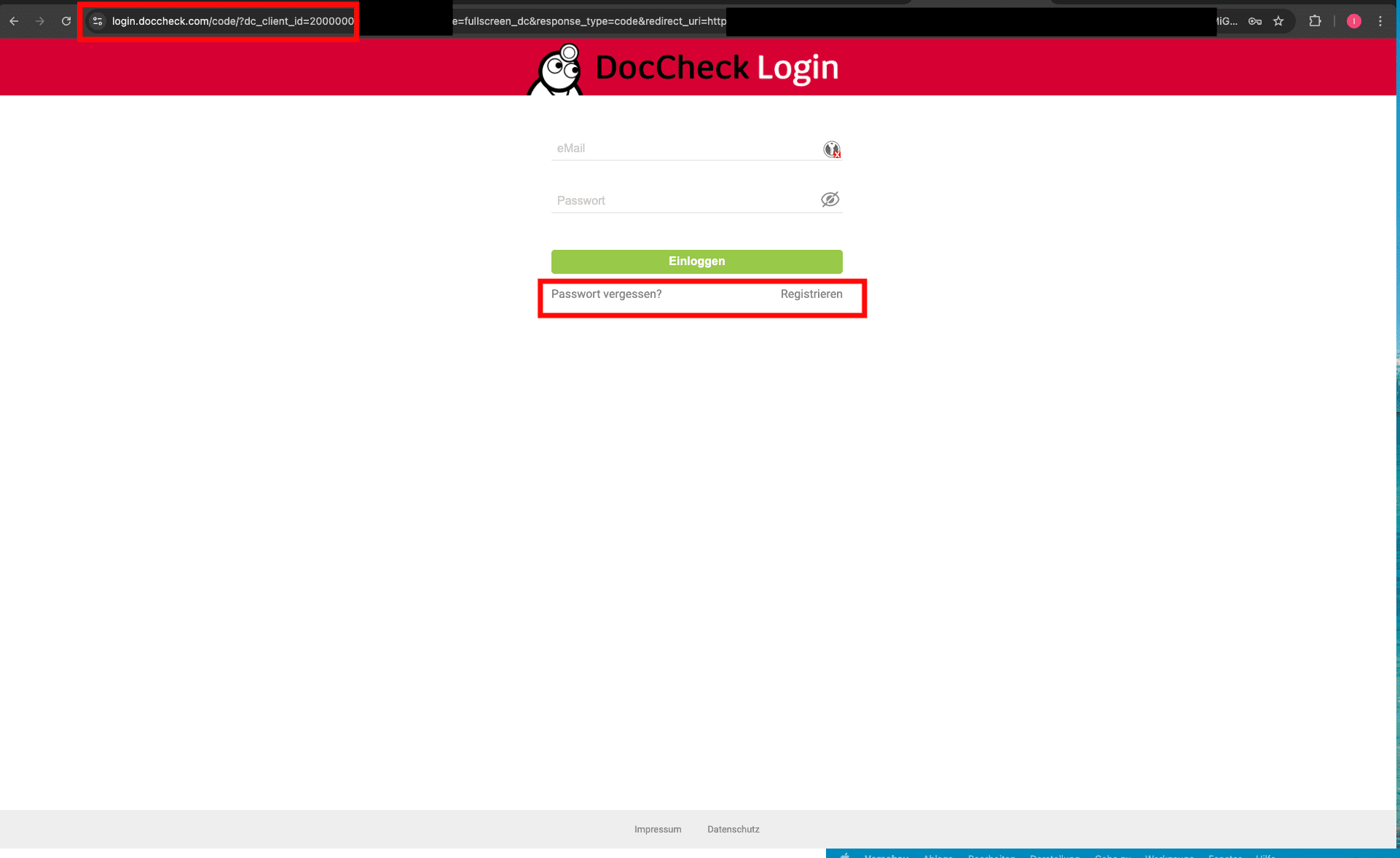 |
| Correct |
This implementation is up-to-date and will continue to work beyond June 30, 2026. | 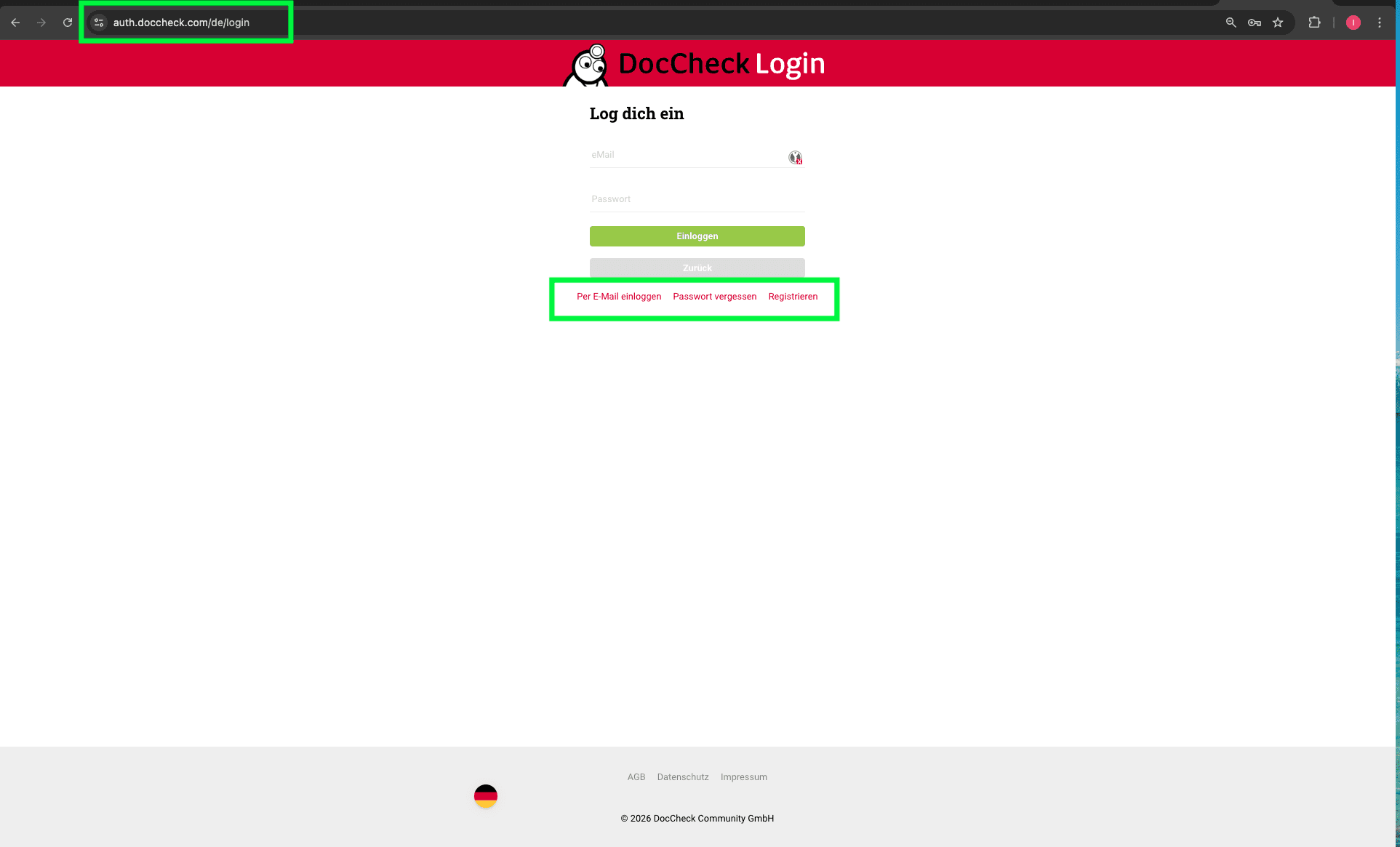 |
# 3. Perform a Test Login
Note
If an outdated implementation was already identified in step 1 or 2, a test login is not required. There is a clear to-do for the migration: replace the existing login implementation with the current version.
Important
Depending on your existing integration, replacing only the login button code may not be enough. Also check and update the OAuth2 changes in your application, for example endpoints, login client ID, login client secret, token exchange, and user data retrieval. Details: OAuth2 adjustments.
For an implementation identified as correct, perform a test login with a test user or a real user.
# Expected Behavior
# From the Basic package onwards
After logging in, there will be a smooth redirection if the professional group matches, or a rejection if the professional group is unsuitable.
# From the Economy package onwards
A new consent form for data transfer will be displayed.
Exception: The user has already granted consent for this client in the past.
| Status | How to identify it | Example |
|---|---|---|
| Correct: new consent form | If the consent form looks similar to the example, the current version of the new system is integrated. | 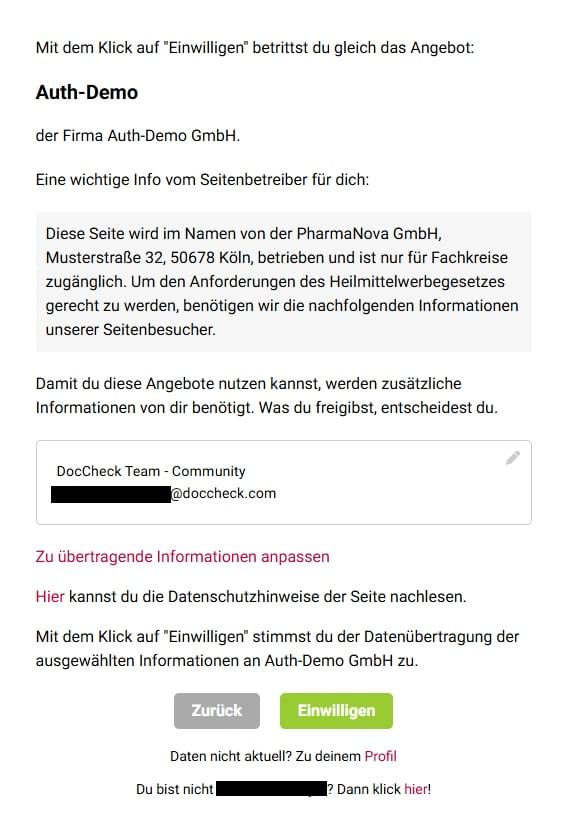 |