# Company passwords & test users
As a website operator you can create username/password combinations that only allow access to the protected area of your websites. We distinguish between company passwords and test users.
Company passwords: Grant access to your own instances (e.g., for colleagues who do not belong to an allowed professional group) without giving all “Industry employees” access.
Test users: Use them to test the functionality of your DocCheck logins.
Info
- A username must be unique (like regular DocCheck accounts); use the username - not the email - when logging in with a test user.
- You may create, modify or delete any number of company passwords and test users at will.
- Ensure the profession assigned to a test user is enabled in the access groups of the corresponding login (e.g. a “Veterinarian” will not gain access if that profession isn’t permitted).
# Company passwords
Company passwords apply only to a single operator’s websites. They can be shared by the operator to authorized user groups, e.g., people who are not a medical professional group.
Unique ID
Company passwords have their own unique_id. If your integration calls the user data endpoint after login, this unique_id is available there just like for other logins.
Create a company password:
- Open “Company passwords” in DocCheck Access.
- Click “Create new company password”.
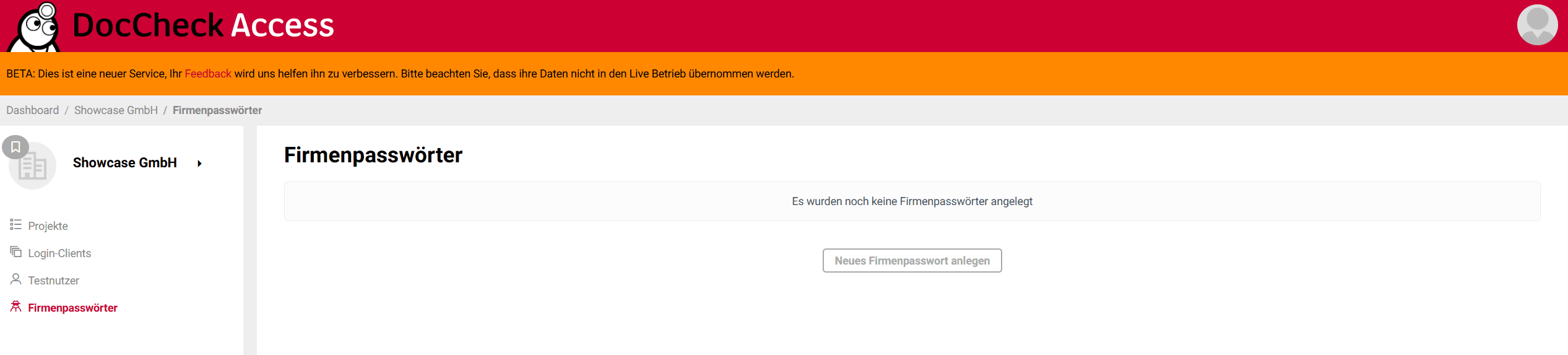
- In the “Release level” tab, select the logins for which the password is valid. You have three options:
- Valid for all logins in your company account
- Valid for all logins in a specific project
- Valid for a single login client only
- Optional: Under “Description”, document the scenario for which the company password is created.

- Set a unique username and a password. Optionally define an expiration date. Without expiry, the password will not automatically expire.
- Click “Save”.
# Test users
Use test users to verify your logins depending on defined attributes.
Create a test user:
- Open “Test users” in DocCheck Access.
- Click “Create new test user”.
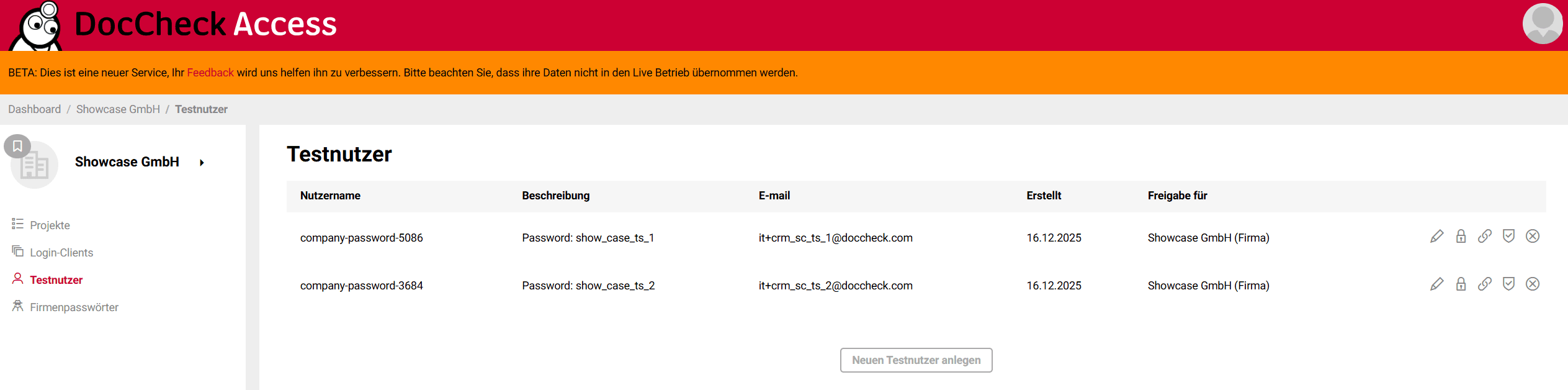
- In the “Release level” tab, select the logins for which the test user is valid. You have three options:
- Valid for all logins in your company account
- Valid for all logins in a specific project
- Valid for a single login client only
- Optional: Under “Description”, document the scenario for which the test user is created.

- Set a unique username, a password, and the email address associated with the test user. This email must not be used by any real DocCheck user or another test user.
- Optional: Define an expiration date. Without expiry, it does not expire.
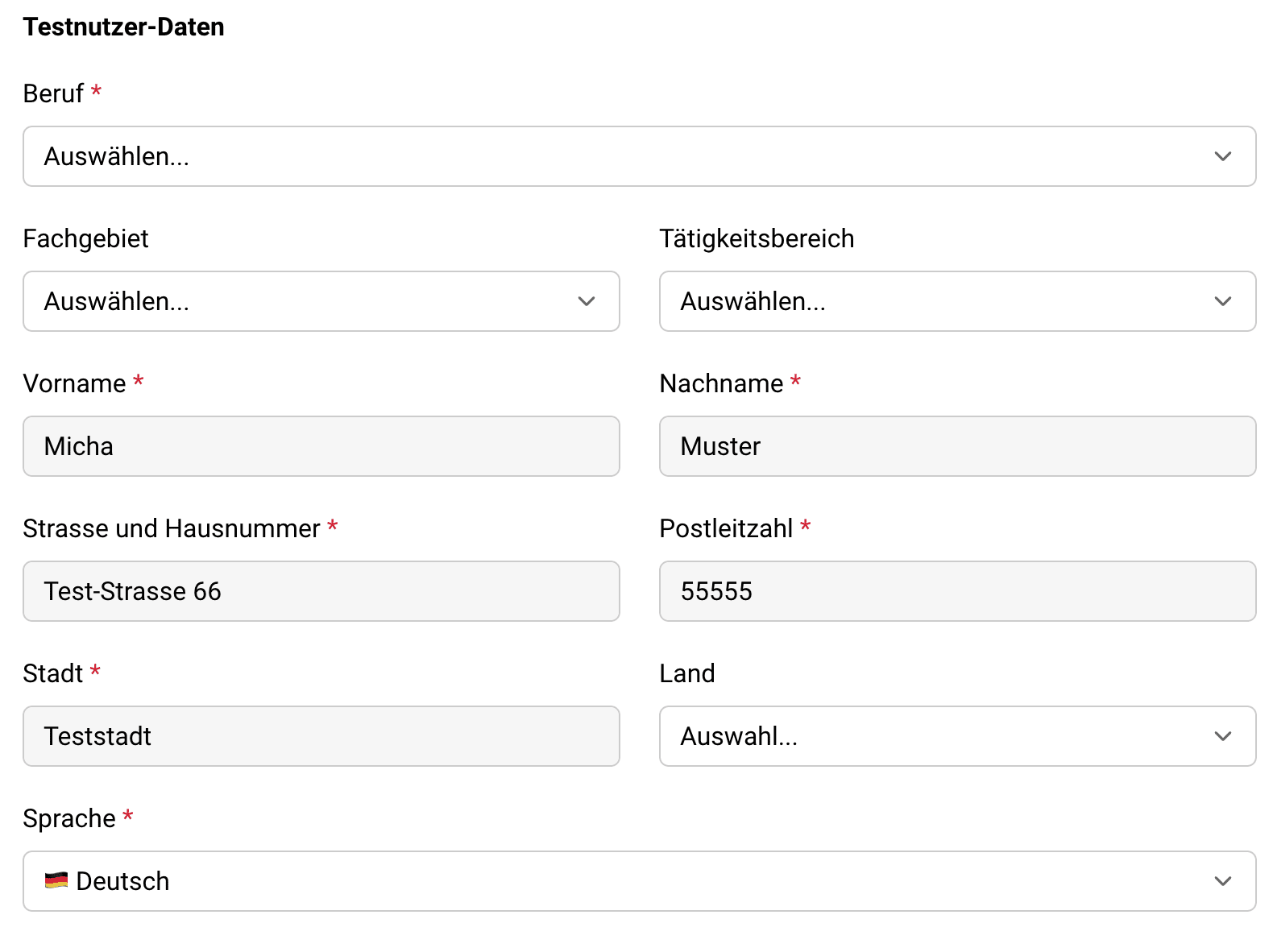
- Additionally, you can define further test user data to specifically test access and functions. Name and address are the same for all test users. The following properties can be set individually per test user: profession, discipline, activity, country, language.
- Click “Save”.